
📖 Table of Contents
Part 1: The World of Programming Around Us
Part 2: The Alphabet and Vocabulary of Programming
Part 3: Building Our First Programs
Part 4: Our Amazing Brain
Part 5: Creative Projects
Part 6: Programming in the Real World
Chapter 11 of 27
3: Building Our First Programs
Chapter 11: "Errors and Debugging: Learning from Mistakes"
During another visit to Professor Bit, Alice found him engaged in a strange activity: he was sitting at the computer and seemed slightly irritated.
— What happened, Professor? — Alice asked.
— Ah, Alice! — the Professor turned around. — I'm trying to find an error in my new program. It should sort my scientific articles, but for some reason it's not working correctly.
— Are errors in programs bad? — Alice wondered.
— Errors are an inevitable part of programming, — the Professor smiled. — Even the most experienced programmers make errors. It's important to be able to find and fix them. This process is called "debugging."
He paused for a moment and quietly read:
Право на ошибку есть у всех,
Ведь ошибки — скрытые подсказки.
Без случайных сбоев и помех
Не бывает даже доброй сказки.
Нам не сразу видеть суждено,
Где таится путь наверх, к вершине.
Ошибаться будем всё равно,
Чтоб составить точный код машине.
Иногда так сложно понимать
Следствия падений и ушибов.
Как лекарство, нужно принимать
Горькую досаду от ошибок.
Byte rolled up to them:
— I can show typical types of errors in programming!
A list appeared on his screen:
1. Syntax errors — incorrect "grammar" of code
2. Logic errors — code executes, but doesn't do what it should
3. Runtime errors — problems that occur during program execution
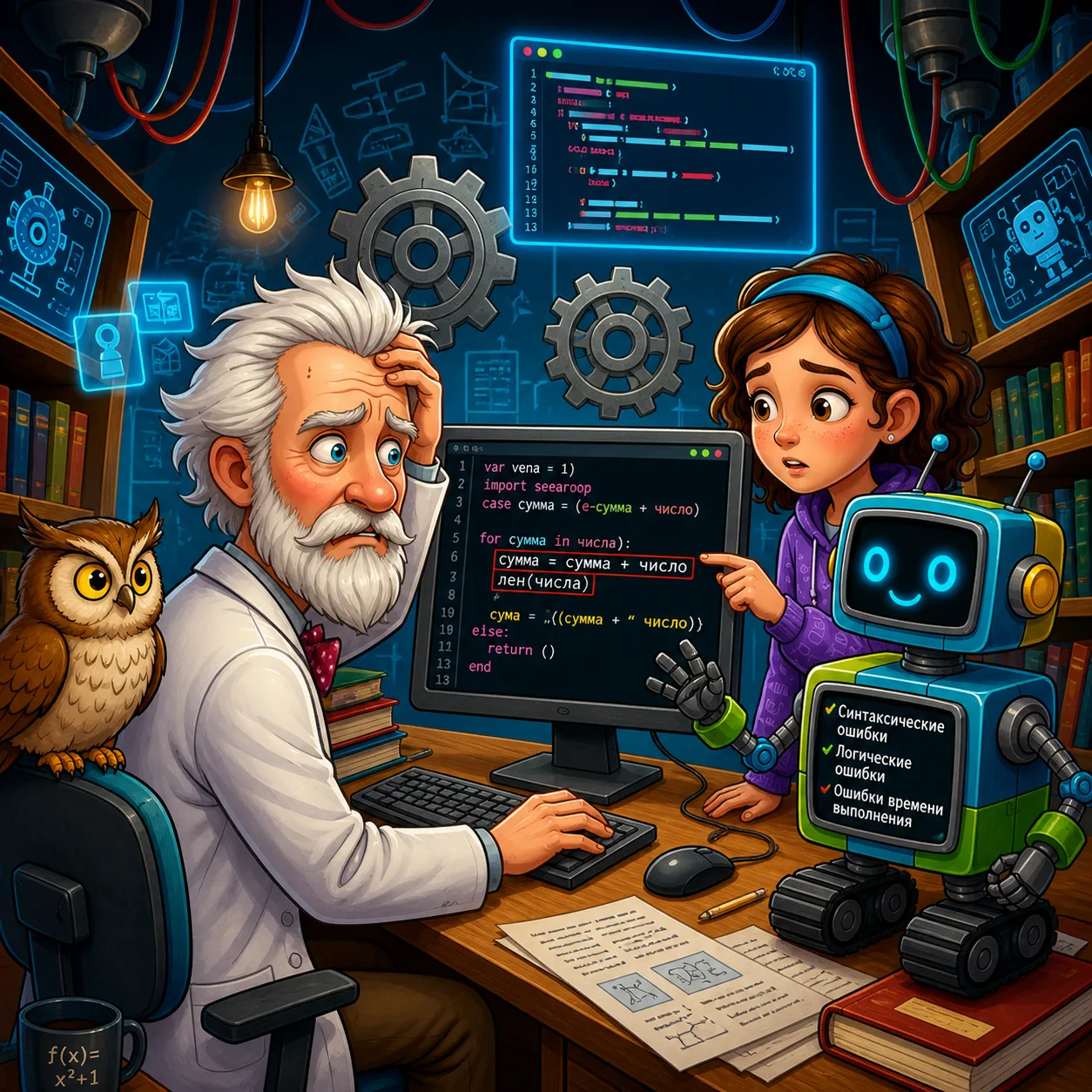
— Syntax errors are similar to grammatical errors in regular text, — the Professor explained. — For example, if you forget a closing parenthesis or put the wrong symbol.
python
Syntax error: missing closing parenthesis
print("Hello, world!"  # Should be: print("Hello, world!")Syntax error: wrong operator
if x = 5:  # Should be: if x == 5:
    print("x equals 5")
— Such errors are usually easy to detect, — the Professor continued. — The program won't even start and will immediately report the problem.
— What about logic errors? — Alice asked.
— Logic errors are more insidious, — Logic replied, flying down to the table. — The program runs, but works incorrectly. For example:
python
Logic error: wrong order of operations
area = 5 + 10  2  # Result: 25, but correct would be: (5 + 10)  2 = 30Logic error: incorrect condition
age = 12
if age < 12:  # Should be: if age <= 12:
    print("Child ticket")
else:
    print("Adult ticket")
— In the first example, the program won't produce an error, but the result will be incorrect due to wrong order of operations, — the Professor explained. — In the second example, a 12-year-old child will get an adult ticket, though they should get a child ticket.
— What about runtime errors? — Alice asked.
— These are errors that occur when the program is already running, — Byte explained. — For example:
python
Division by zero
x = 10
y = 0
result = x / y  # Error: division by zero is impossibleAccessing a non-existent list element
my_list = [1, 2, 3]
element = my_list[5]  # Error: index 5 is out of list bounds
— Such errors lead to program crash if not handled in a special way, — the Professor added.
— How do you find and fix errors? — Alice wondered.
— For this, there's the debugging process, — the Professor replied. — Let me show you the main techniques.
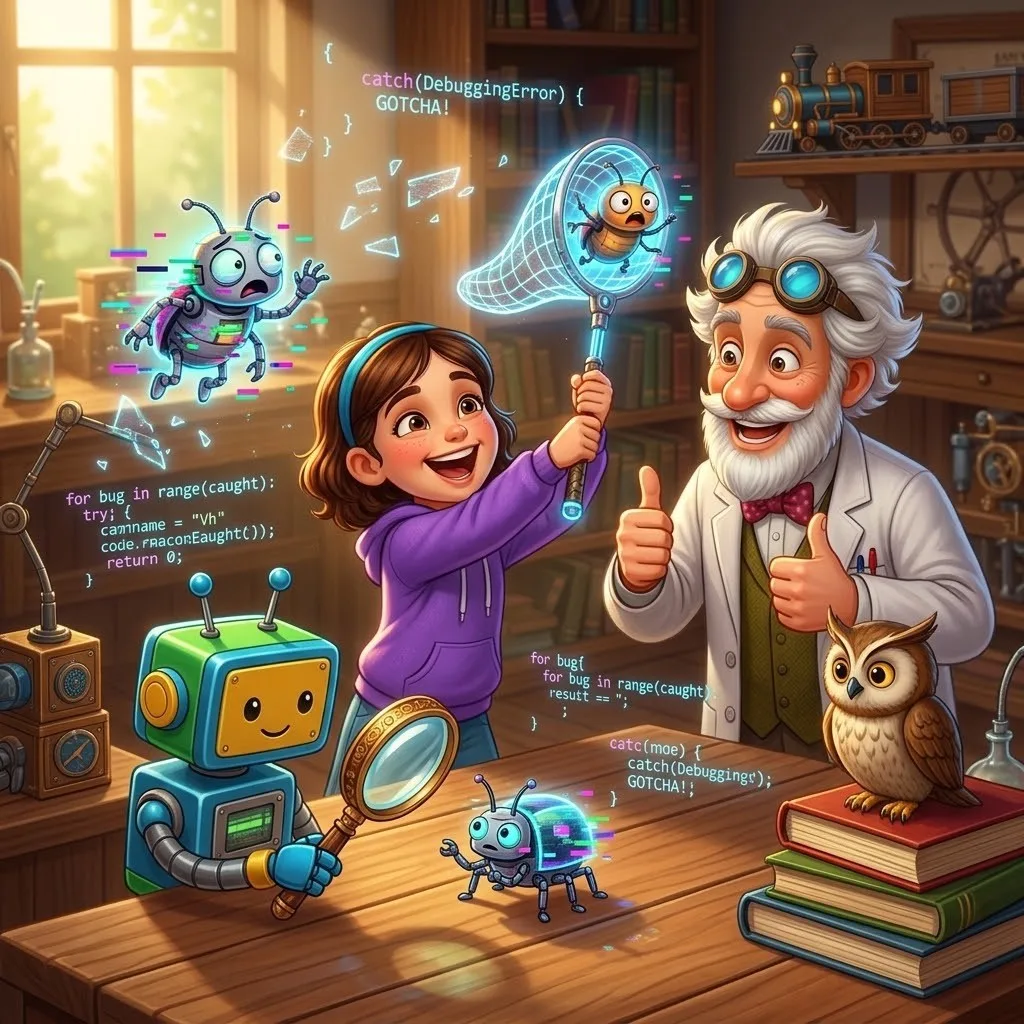
The Professor opened a program with an error on the computer:
python
def calculate_average(numbers):
    sum = 0
    for number in numbers:
        suma = sum + number
    average = sum / len(numbers)
    return averagegrades = [5, 4, 5, 3, 5]
averagegrade = calculateaverage(grades)
print("Average grade:", average_grade)
— This simple program has several errors, — said the Professor. — Let's find them using debugging.
1. Reading code — the first step in debugging. Carefully review all the code and try to understand what it should do.
2. Using debug messages — add output of intermediate values to the code:
python
def calculate_average(numbers):
    sum = 0
    print("Initial sum:", sum)
    for number in numbers:
        suma = sum + number
        print("After adding", number, "sum became:", suma)
    average = sum / len(numbers)
    print("Average:", average)
    return average
3. Using a debugger — a special program that allows executing code step by step and observing variable changes.
— Look, after execution we'll get an error, — said the Professor. — From the debug messages, we see that the variable suma doesn't change, though it should increase. It's a typo! We wrote suma instead of sum.
— Are there more errors? — Alice asked.
— Yes, there's another error: len(numbers) should be len(numbers). In Python, the function for determining list length is called len, without the letter "л".
— Let's fix both errors and see what we get, — the Professor suggested:
python
def calculate_average(numbers):
    sum = 0
    for number in numbers:
        sum = sum + number  # Fixed: suma → sum
    average = sum / len(numbers)  # Fixed: лен → len
    return averagegrades = [5, 4, 5, 3, 5]
averagegrade = calculateaverage(grades)
print("Average grade:", average_grade)
— Now the program works correctly! — the Professor smiled, looking at the result: "Average grade: 4.4".
Logic added:
— In real life, we also constantly encounter errors and fix them. For example, when you solve a math problem and get a strange answer, you double-check your calculations to find the error.
— Are there error correction systems in nature? — Alice asked.
— Of course! — the Professor replied. — The brightest example is DNA. When copying DNA, errors sometimes occur, but cells have special mechanisms to detect and correct them. Without such mechanisms, living organisms couldn't exist.
— How do programmers prevent errors? — Alice wondered.
— There are several important practices, — the Professor replied:
1. Testing — writing additional code that checks the work of the main program
2. Code review by colleagues — other programmers can notice what you missed
3. Using automatic checking tools — special programs that look for typical errors
4. Exception handling — a mechanism that allows the program to correctly respond to runtime errors
— Here's an example of exception handling, — the Professor showed:
python
try:
    number = int(input("Enter a number: "))
    result = 100 / number
    print("100 /", number, "=", result)
except ValueError:
    print("You didn't enter a number!")
except ZeroDivisionError:
    print("Can't divide by zero!")
except:
    print("An unknown error occurred!")
— This code attempts to perform division, but is ready for possible errors, — he explained. — If the user enters not a number or zero, the program won't "break," but will display a clear message.
— So errors aren't always bad? — Alice asked.
— Errors are part of the learning and development process, — the Professor smiled. — As Thomas Edison said: "I have not failed. I've just found 10,000 ways that won't work." It's important to learn from errors and become better.
Task
python
def calculate_score(answers):
    correct_answers = ["a", "b", "c", "d", "a"]
    score = 0
    for i in range(len(answers)):
        if answers[i] == correct_answers[i]:
            score += 1
    return scoremy_answers = ["a", "b", "c", "d", "b"]
result = calculatescore(myanswers)
print("You scored", result, "points out of 5")
After finding and fixing the errors, think: how can this code be improved to be more understandable and reliable?