
📖 Table of Contents
Part 1: The World of Programming Around Us
Part 2: The Alphabet and Vocabulary of Programming
Part 3: Building Our First Programs
Part 4: Our Amazing Brain
Part 5: Creative Projects
Part 6: Programming in the Real World
Chapter 20 of 27
5: Creative Projects
Chapter 20: "Programming Robots"
One day, Alice came to Professor Bit earlier than usual and found him working in the far corner of the laboratory. He was bent over a strange device, like a small car with wheels.
— Good morning, Professor! What is that? — Alice asked curiously.
The Professor turned around and smiled:
— Ah, Alice! Glad to see you. This is today's topic — robotics!
Byte rolled closer, clearly interested:
— Wow! My distant relative!
— Absolutely right, Byte, — the Professor nodded. — This robot is much simpler than you, but the principles of robot programming are very important. They're used in industry, medicine, space exploration, and even in everyday life.
Железо, схемы, взгляд сенсора —
Не просто ящик на колёсах.
Ему даём мы роль актёра
В театре улиц, цехов, космоса.
Он едет там, где людям трудно,
Несёт лекарство, чинит мост.
Но без программы он как будто
Застывший в паузе вопрос.
Код — это воля и задача,
Сенсор — глаза, мотор — шаги.
Робот послушен, если чётко
Ему прописаны пути.
The Professor carefully placed the little robot on the floor. It had two wheels, several sensors in front, and a small control panel on top.
— Meet Robi, — the Professor introduced. — He can move forward and backward, turn, detect obstacles, and follow a line. But most importantly — we can program his behavior!
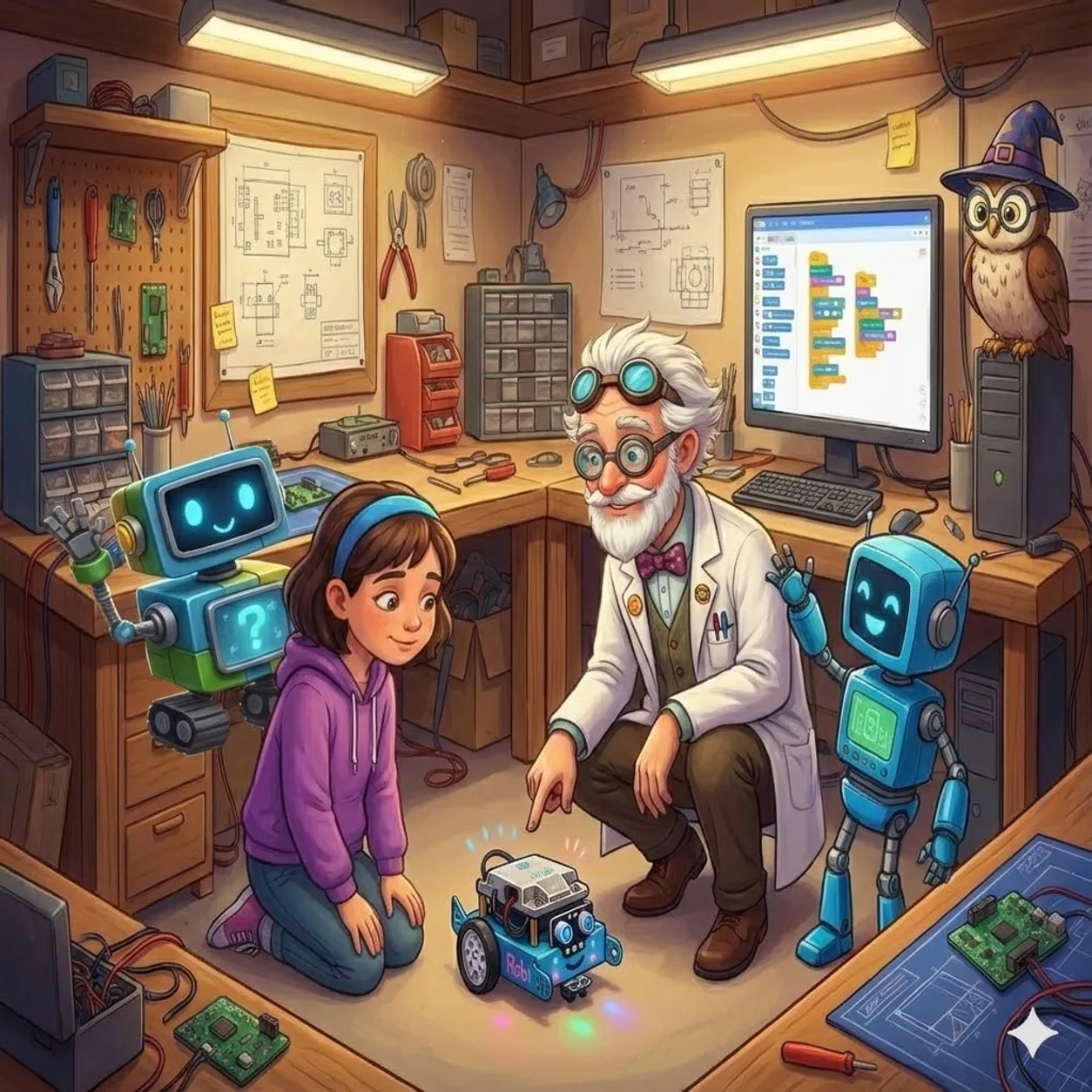
— How exactly do we program robots? — Alice asked, sitting down next to Robi.
— There are different ways, — the Professor replied. — For simple robots like Robi, we can use visual programming with blocks, similar to Scratch. For more complex ones — specialized languages like ROS (Robot Operating System) or standard programming languages like Python and C++.
Logic, observing from a bookshelf, added:
— Robot programming differs from regular programming in that here code interacts with the physical world through sensors and motors.
The Professor nodded and connected Robi to the computer:
— Let's start with a simple program. We want Robi to move forward until he detects an obstacle, then turn and continue moving.
A block programming editor appeared on the computer screen. The Professor dragged several blocks into the workspace:
WHILE True:
    IF distance_sensor() > 10:
        move_forward(50)
    ELSE:
        stop()
        turn_right(90)
— This program creates an infinite loop, — the Professor explained. — Inside the loop, the robot checks the distance sensor reading. If the distance to the obstacle is greater than 10 centimeters, the robot moves forward at speed 50 units. If the obstacle is closer, the robot stops and turns 90 degrees to the right.
— Can we upload the program to Robi? — Alice asked eagerly.
— Of course! — The Professor pressed the "Upload" button, and small lights on Robi's panel blinked. — Now let's put him on the floor and see how he handles it.
Robi came to life and began moving around the laboratory. He confidently drove forward, but when a table appeared in front of him, he stopped, turned right, and continued moving in a new direction.
— He works! — Alice admired. — But what if we want him to follow a specific route?
— Good question, — the Professor smiled. — For this, we can use a sequence of commands instead of reacting to sensors. For example:
move_forward(50, 2)  # move forward at speed 50 for 2 seconds
turn_left(90)         # turn left 90 degrees
move_forward(50, 1)   # move forward for another 1 second
turn_right(90)        # turn right 90 degrees
move_forward(50, 3)   # move forward for 3 seconds
— Such a program will make Robi perform a specific sequence of movements, — the Professor explained. — But there's a problem: if during movement he encounters an obstacle, he'll just crash into it.
— Can we combine both approaches? — Alice asked. — Follow a route, but also react to obstacles?
— Great thought! — the Professor praised. — This is one of the key principles of robotics — combining planned behavior with reaction to the environment. Here's how it might look:
route = [
{"action": "forward", "value": 2},
{"action": "turn_left", "value": 90},
{"action": "forward", "value": 1},
{"action": "turn_right", "value": 90},
{"action": "forward", "value": 3}
]current_step = 0
WHILE current_step < length(route):
step = route[current_step]
IF step["action"] == "forward":
starttime = currenttime()
WHILE (currenttime() - starttime < step["value"]) AND (distance_sensor() > 10):
move_forward(50)
IF distance_sensor() <= 10:
# Obstacle detected - react
stop()
avoid_obstacle()
ELSE IF step["action"] == "turn_left":
turn_left(step["value"])
ELSE IF step["action"] == "turn_right":
turn_right(step["value"])
currentstep = currentstep + 1
— This already looks more complex, — Alice noticed, studying the code.
— Yes, robots often require quite complex programs, — the Professor agreed. — In this example, we store the route as a list of dictionaries, where each step has an action type and value. Then we execute each step in order, but when moving forward, we constantly check the distance sensor. If an obstacle is detected, we interrupt the current movement and call a function to avoid the obstacle.
— How does the avoid_obstacle() function work? — Alice asked.
— This can be a separate subroutine, — the Professor explained. — For example:
function avoid_obstacle():
    turn_right(45)
    move_forward(50, 0.5)
    turn_left(45)
    WHILE distance_sensor() > 10:
        move_forward(30)
    turn_left(90)
    move_forward(50, 1)
    turn_right(90)
— This function makes the robot deviate to the right, then move parallel to the obstacle, go around it, and return to the original direction, — the Professor explained.
Byte demonstrated this sequence of movements, imitating Robi's actions:
— In robotics, this behavior is called "obstacle avoidance" and is one of the basic skills for mobile robots.
— What if we want the robot to find its own path to the goal? — Alice asked.
— Then we use path planning algorithms, — the Professor replied. — For example, the A* (A-star) algorithm or Dijkstra's algorithm. They allow the robot to find the optimal path from the current position to the goal, considering obstacles on the map.
The Professor showed another program on the screen:
map = [
[0, 0, 0, 0, 0, 0, 0, 0],
[0, 1, 1, 1, 1, 0, 0, 0],
[0, 0, 0, 0, 0, 0, 1, 0],
[0, 1, 1, 1, 0, 0, 1, 0],
[0, 0, 0, 0, 0, 1, 1, 0],
[0, 1, 0, 1, 0, 0, 0, 0],
[0, 1, 0, 0, 0, 1, 0, 0],
[0, 0, 0, 0, 0, 0, 0, 0]
] # 0 - free space, 1 - obstaclestart = (0, 0)
goal = (7, 7)
path = find_path(map, start, goal)
for each point (x, y) in path:
movetopoint(x, y)
— Here we represent the surrounding space as a two-dimensional grid, — the Professor explained. — Each cell is either free (0) or contains an obstacle (1). The find_path() function uses a pathfinding algorithm to determine a sequence of points from start to goal. Then the robot sequentially moves through these points.
— What if the map is not known in advance? — Alice wondered.
— Great question! — the Professor praised. — In such a case, the robot must first explore the environment and build a map using its sensors. This is called SLAM — Simultaneous Localization and Mapping.
— Modern robot vacuum cleaners and self-driving cars use similar algorithms, — Logic added. — They scan the environment using lidars, cameras, and other sensors, build a map, and plan their actions based on this information.
The Professor took another robot from the cabinet, more complex, with a manipulator arm:
— And this is Armi. Besides moving, he can interact with objects using the manipulator. This adds a new level of complexity to programming.
He demonstrated a simple program for Armi:
Drive to the cube
movetocoordinates(x, y)Lower the manipulator
setmanipulatorheight(5)Grab the cube
close_gripper()Raise the manipulator
setmanipulatorheight(20)Transport the cube to another location
movetocoordinates(newx, newy)Lower the manipulator
setmanipulatorheight(5)Release the cube
open_gripper()Raise the manipulator
setmanipulatorheight(20)
— For programming manipulator robots, specialized approaches are used, — the Professor explained. — For example, kinematics — a mathematical description of motion that doesn't consider forces causing this motion. There's forward kinematics (calculating gripper position from joint angles) and inverse kinematics (calculating necessary joint angles to achieve a given gripper position).
— Sounds complex, — Alice noticed.
— Actually, the basic principles of robot programming are the same ones we've already studied, — the Professor reassured her. — Variables store information about robot state and environment, conditions help make decisions based on this information, loops allow repeating actions, and functions organize code into logical blocks.
— But robotics also has features, — Logic added. — For example, parallel task execution. A robot can simultaneously move, scan the environment, and process user commands. For this, multithreading or asynchronous programming is used.
— Another important concept is feedback, — the Professor continued. — The robot constantly checks whether it has reached the desired state and adjusts its actions. For example:
desired_angle = 90
currentangle = getrotation_angle()WHILE absolutevalue(desiredangle - current_angle) > 1:
    if desiredangle > currentangle:
        turn_right(10)
    else:
        turn_left(10)    currentangle = getrotation_angle()
— This code makes the robot turn until it reaches the desired angle with an accuracy of 1 degree, — the Professor explained. — Such feedback loops allow robots to precisely execute commands despite imperfect mechanics and external factors.
— What about artificial intelligence in robots? — Alice asked. — Can robots learn and make decisions independently?
— Absolutely! — the Professor nodded. — Modern robots often use machine learning methods. For example, a robot can learn to recognize objects in camera images or optimize its movements to save energy.
— One approach is reinforcement learning, — Byte added. — The robot receives a "reward" for correct actions and "punishment" for incorrect ones. Over time, it learns to choose actions that maximize reward.
The Professor nodded:
— This is the essence of modern robotics — creating systems that can perceive the surrounding world, make decisions based on this information, and act to achieve set goals.
— What kinds of robots are there? — Alice asked.
— There are many, — the Professor replied. — Industrial robots in factories, service robots in hotels and hospitals, research robots in space and underwater, agricultural robots on farms, military robots, home assistant robots, educational robots, and many others.
— Robotics is an interdisciplinary field combining mechanics, electronics, computer science, control theory, and many other disciplines, — Logic summarized. — And programming is the most important part of this field, as it's programs that make robots "smart".