
📖 Table of Contents
Part 1: The World of Programming Around Us
Part 2: The Alphabet and Vocabulary of Programming
Part 3: Building Our First Programs
Part 4: Our Amazing Brain
Part 5: Creative Projects
Part 6: Programming in the Real World
Chapter 12 of 27
3: Building Our First Programs
Chapter 12: "Creating Our First Game"
Alice came to Professor Bit earlier than usual. She could barely contain her excitement.
— Professor, I've been thinking about everything we've learned — variables, conditions, loops, functions, lists... And I so want to apply this knowledge to create something real!
The Professor smiled:
— You're absolutely right, Alice! Knowledge gains true value when we apply it in practice. What would you like to create?
— A game! — Alice answered without hesitation. — A real computer game that can be played!
— Great idea! — The Professor rubbed his hands. — Let's create a simple but engaging game "Guess the Number."
Byte rolled closer, and an exclamation appeared on his screen: "I love games!"
— Before we start writing code, let's plan how our game should work, — the Professor suggested. — This is an important stage in developing any program.
He paused for a moment and quietly read:
Каждый получает то, что излучает, —
Жизнь так справедлива и мудра!
Каждый пожинает то, что выбирает, —
Жизнь — для всех великая игра.
Каждый замечает то, во что играет,
От чего теряет свой покой.
Сложности и стены сам изобретает,
Чтобы стать особенным собой.
Поиграть азартно время приглашает,
Предлагая множество ролей.
Игроков с лихвою жизнь вознаграждает
Воплощеньем творческих идей!
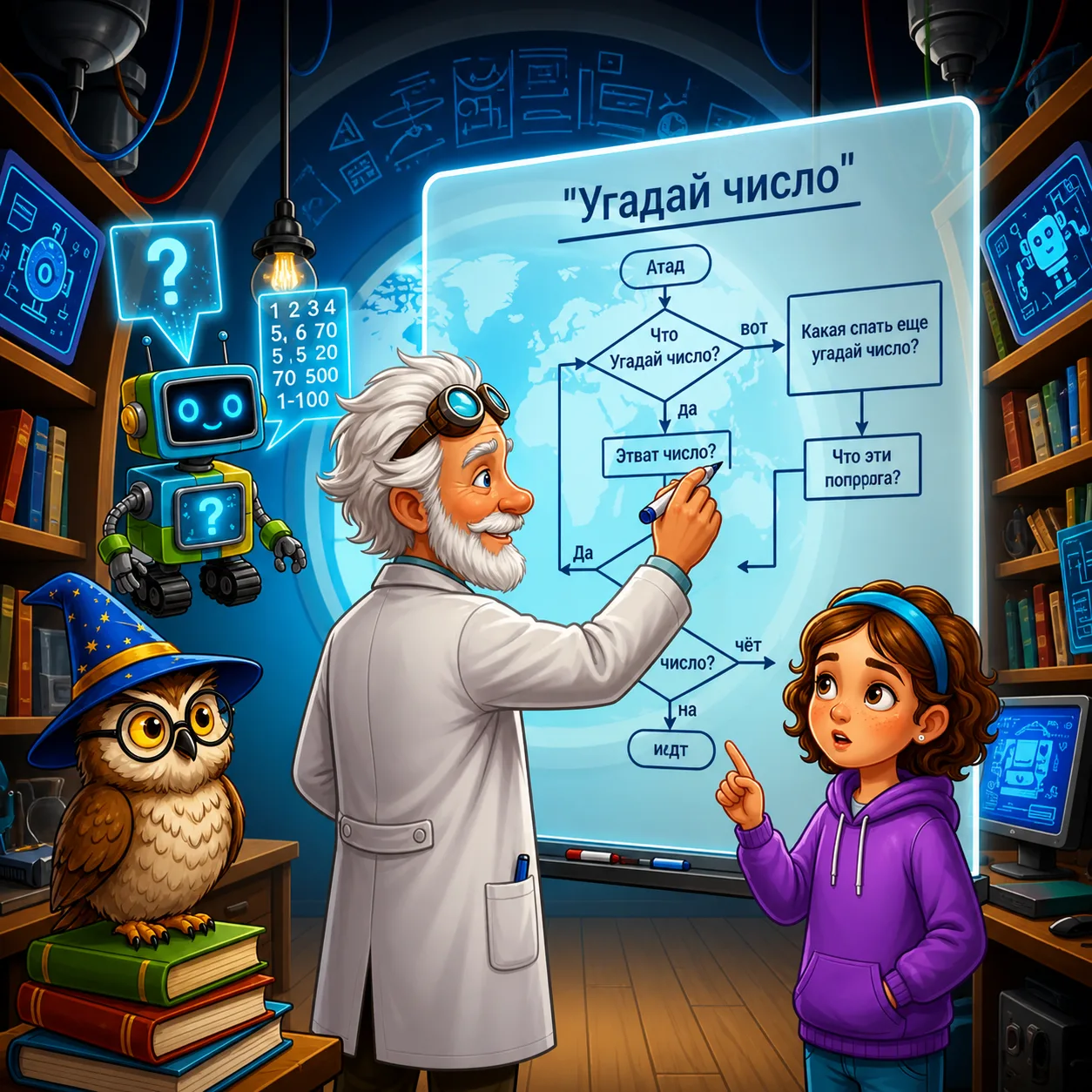
The Professor took a marker and began writing on the board:
Plan for "Guess the Number" game:
1. Computer picks a random number from 1 to 100
2. Player tries to guess this number
3. Computer says if the guessed number is greater or less
4. Player continues guessing until finding the correct answer
5. After guessing, computer reports how many attempts the player needed
— Sounds simple, but it will be fun to play! — said Alice. — Where do we start?
— Let's start with importing needed libraries and defining main variables, — the Professor replied and wrote the first lines of code:
python
import random  # Library for generating random numbersPick a random number from 1 to 100
secret_number = random.randint(1, 100)Attempt counter
attempts = 0Greeting
print("Welcome to 'Guess the Number' game!")
print("I've picked a number from 1 to 100. Can you guess it?")
— What is import random? — Alice asked.
— This is a command that connects an additional library — a set of ready functions, — the Professor explained. — The random library contains functions for working with random numbers. We use the randint() function to get a random integer in the specified range.
— I see! — Alice nodded. — What's next?
— Now we need to create the main game loop, — the Professor continued. — The player will enter numbers, and the program will check them until the correct number is guessed:
python
Main game loop
guessed = False
while not guessed:
    # Get player's guess
    guess = int(input("Your guess: "))
    attempts += 1    # Check the guess
    if guess < secret_number:
        print("The secret number is greater!")
    elif guess > secret_number:
        print("The secret number is less!")
    else:
        guessed = True
        print(f"Congratulations! You guessed the number in {attempts} attempts!")
— Let's break down this code by parts, — the Professor suggested:
1. guessed = False — create a flag variable showing whether the number is guessed
2. while not guessed: — the loop will execute while the number isn't guessed
3. guess = int(input("Your guess: ")) — get input from the player and convert it to an integer
4. attempts += 1 — increase the attempt counter by 1
5. Next comes condition checking: if the number is less, greater, or equal to the secret number
6. f"Congratulations! You guessed the number in {attempts} attempts!" — this is an f-string, a special string format that allows inserting variable values directly into text
— What if the player enters a letter instead of a number? — Alice asked.
— Great question! — the Professor praised. — Our program will produce an error. Let's add exception handling to make it more reliable:
python
Main game loop
guessed = False
while not guessed:
    try:
        # Get player's guess
        guess = int(input("Your guess: "))
        attempts += 1        # Check the guess
        if guess < secret_number:
            print("The secret number is greater!")
        elif guess > secret_number:
            print("The secret number is less!")
        else:
            guessed = True
            print(f"Congratulations! You guessed the number in {attempts} attempts!")
    except ValueError:
        print("Please enter a whole number!")
— The try-except block helps the program correctly handle errors, — the Professor explained. — If the player enters something that can't be converted to a number, the program won't crash with an error, but will display a clear message.
— Can we add hints if the player can't guess for a long time? — Alice asked.
— Of course! — The Professor added to the code:
python
Main game loop
guessed = False
while not guessed:
    try:
        # Get player's guess
        guess = int(input("Your guess: "))
        attempts += 1        # Check the guess
        if guess < secret_number:
            print("The secret number is greater!")
            if attempts % 5 == 0:  # Hint every 5 attempts
                print(f"Hint: the secret number is greater than {guess + 10}")
        elif guess > secret_number:
            print("The secret number is less!")
            if attempts % 5 == 0:  # Hint every 5 attempts
                print(f"Hint: the secret number is less than {guess - 10}")
        else:
            guessed = True
            print(f"Congratulations! You guessed the number in {attempts} attempts!")
    except ValueError:
        print("Please enter a whole number!")
— Let's add one more nice touch — the ability to play again, — the Professor suggested:
python
Function for one game
def play_game():
secret_number = random.randint(1, 100)
attempts = 0
guessed = False print("\nI've picked a number from 1 to 100. Can you guess it?")
while not guessed:
try:
guess = int(input("Your guess: "))
attempts += 1
if guess < secret_number:
print("The secret number is greater!")
if attempts % 5 == 0:
print(f"Hint: the secret number is greater than {guess + 10}")
elif guess > secret_number:
print("The secret number is less!")
if attempts % 5 == 0:
print(f"Hint: the secret number is less than {guess - 10}")
else:
guessed = True
print(f"Congratulations! You guessed the number in {attempts} attempts!")
except ValueError:
print("Please enter a whole number!")
return attempts
Main program
print("Welcome to 'Guess the Number' game!")
play_again = "yes"best_result = float('inf') # Infinity, so any real result is better
while play_again.lower() == "yes":
result = play_game()
if result < best_result:
best_result = result
print(f"New record! {result} attempts!")
play_again = input("Want to play again? (yes/no): ")
print(f"Thanks for playing! Your best result: {best_result} attempts.")
— We created the play_game() function, which contains the logic of one game, and a main loop that allows playing multiple times, — the Professor explained. — Additionally, we added best result tracking.
— This is amazing! — Alice exclaimed. — Can we try it?
The Professor ran the program, and Alice started playing. After several attempts, she guessed the number and clapped her hands with delight.
— I did it! I created a real game!
— Technically, we created it together, — the Professor smiled, — but you've grasped the essence correctly. This is a real game, and now you can be proud of yourself!
— Can we somehow improve this game? — Alice asked after several rounds.
— Of course! — the Professor nodded. — Here are several improvement ideas:
1. Add difficulty levels (different number ranges)
2. Limit the number of attempts
3. Add a timer
4. Create a two-player mode
5. Add a graphical interface
— This will be the next step in your journey through the world of programming, — the Professor added. — Starting with a simple game, you can gradually make it more complex, adding new functions and capabilities.