
📖 Table of Contents
Part 1: The World of Programming Around Us
Part 2: The Alphabet and Vocabulary of Programming
Part 3: Building Our First Programs
Part 4: Our Amazing Brain
Part 5: Creative Projects
Part 6: Programming in the Real World
Chapter 13 of 27
3: Building Our First Programs
Chapter 13: "Drawing with Code"
At the next meeting, Professor Bit met Alice with a mysterious smile.
— Today we'll be doing art, — he announced, pointing to a large monitor in the center of the room.
— Art? — Alice was surprised. — But aren't we studying programming?
— Programming and art are quite compatible, — the Professor replied. — Today we'll draw with code!
Byte joyfully jumped and displayed a colorful pattern of geometric shapes on his screen.
— For creating graphics with code, we'll use the Turtle library, — the Professor explained. — It's a simple but powerful drawing tool.
He paused for a moment and quietly read:
В рисунке — отпечатки эволюций,
В строке — звучанье древней глубины.
Витиеватость творческих конструкций
Приносит в код дыханье новизны.
И так плетёт фракталы мирозданье,
Ведя беззвучный, вечный диалог.
Творя, пока не кончится дыханье,
Мы в вечности проводим рода ток.
Любой куплет однажды спетой песни
Спет голосами тех, кто был до нас.
Их делая полней и интересней,
Мы сохраняем их для новых рас.
The Professor typed the first lines of code:
python
import turtleCreate canvas and brush
canvas = turtle.Screen()
canvas.bgcolor("white")  # White background
brush = turtle.Turtle()
brush.shape("turtle")   # Turtle shape
brush.color("blue")     # Blue color
brush.pensize(2)        # Line thicknessDraw a square
for _ in range(4):
    brush.forward(100)  # Move forward 100 steps
    brush.right(90)     # Turn right 90 degreescanvas.exitonclick()     # Close window on click
A window with a white background appeared on the screen, on which a blue turtle drew a square.
— Wow! — Alice exclaimed. — The turtle really drew a square!
— The Turtle library works on the principle of "turtle graphics," — the Professor explained. — You control a "turtle" that leaves a trail when it moves. It's like if you were drawing with a pencil on paper.
— What does the underscore in for _ in range(4) mean? — Alice asked.
— Good question! — the Professor nodded. — The underscore (_) is used when we don't care about the loop variable. We just want to repeat the action 4 times, and we don't need to know the current iteration number.
— Let's draw something more complex! — Alice suggested.
— Of course! How about a colorful spiral? — The Professor wrote new code:
python
import turtle
import randomcanvas = turtle.Screen()
canvas.bgcolor("black") # Black background
brush = turtle.Turtle()
brush.speed(0) # Maximum speed
List of colors for the spiral
colors = ["red", "orange", "yellow", "green", "blue", "purple"]Draw spiral
for i in range(360):
brush.color(random.choice(colors)) # Random color
brush.forward(i * 0.01 + 1) # Increase step
brush.right(10) # Turn 10 degreescanvas.exitonclick()
A colorful spiral shimmering with all the colors of the rainbow appeared on the black background.
— This is incredibly beautiful! — Alice admired. — What does brush.speed(0) mean?
— This sets the maximum movement speed of the turtle, — the Professor explained. — Values can be from 1 (slowest) to 10 (fast). A value of 0 means the movement animation is disabled, and the turtle draws instantly.
— Can we draw something that looks more like a real drawing? — Alice asked.
— Yes, you can create quite complex drawings, — the Professor nodded. — Let's draw a flower:
python
import turtle
import mathcanvas = turtle.Screen()
canvas.bgcolor("skyblue")
brush = turtle.Turtle()
brush.speed(0)
Draw stem
brush.color("green")
brush.pensize(5)
brush.penup()
brush.goto(0, -200)
brush.pendown()
brush.left(90)
brush.forward(200)Draw flower center
brush.color("brown")
brush.penup()
brush.goto(0, 0)
brush.pendown()
brush.begin_fill()
brush.circle(20)
brush.end_fill()Draw petals
brush.color("pink")
for i in range(12):
brush.penup()
brush.goto(0, 0)
brush.pendown()
brush.setheading(i 30) # Turn 30 i degrees # Draw petal
brush.begin_fill()
for j in range(60):
brush.forward(2)
brush.left(3)
brush.end_fill()
Hide turtle and finish
brush.hideturtle()
canvas.exitonclick()A flower with pink petals, a brown center, and a green stem appeared on the sky blue background.
— This is beautiful! — Alice exclaimed. — But the code became much more complex.
— Yes, here we used several new commands, — the Professor agreed. — For example:
goto(x, y) moves the turtle to the specified coordinatespenup() and pendown() allow lifting and lowering the "pen" to move without drawingbeginfill() and endfill() fill the area inside the drawn contour with colorsetheading() sets the turtle's directionhideturtle() hides the turtle so it doesn't spoil the drawingLogic, observing the process, added:
— In programming graphics, we often use mathematics. Coordinates, angles, distances — all of these are mathematical concepts.
— Can we create animations? — Alice asked.
— Of course! — the Professor replied. — Let's create a simple animation of a moving sun:
python
import turtle
import timecanvas = turtle.Screen()
canvas.bgcolor("lightblue")
canvas.setup(600, 400) # Window size
Create sun
sun = turtle.Turtle()
sun.shape("circle")
sun.color("yellow")
sun.penup()
sun.goto(-300, 0) # Initial position on the leftCreate ground
ground = turtle.Turtle()
ground.penup()
ground.goto(-300, -100)
ground.pendown()
ground.color("green")
ground.pensize(3)
ground.forward(600) # Ground line
ground.hideturtle()Sunrise and sunset animation
for x in range(-300, 301, 5):
y = 100 (1 - ((x / 150) * 2)) # Parabola for trajectory
sun.goto(x, y)
time.sleep(0.05) # Pause to create animationcanvas.exitonclick()
An animation appeared on the screen: a yellow sun slowly rose above the green horizon line, then set.
— This is already a real animation! — Alice admired. — We use a loop so the sun moves along a parabola from the left edge to the right.
— Another interesting application of programming in graphics is fractals, — said the Professor. — Fractals are geometric shapes that repeat their structure at different scales.
— Sounds complicated, — Alice frowned.
— Actually, they're quite simple to create using recursive functions, — the Professor smiled. — Look:
python
import turtlecanvas = turtle.Screen()
canvas.bgcolor("black")
brush = turtle.Turtle()
brush.color("green")
brush.speed(0)
Recursive function for drawing a branch
def draw_branch(turtle, length, level):
if level == 0:
return turtle.forward(length)
turtle.right(30)
draw_branch(turtle, length * 0.7, level - 1)
turtle.left(60)
draw_branch(turtle, length * 0.7, level - 1)
turtle.right(30)
turtle.backward(length)
Set initial position
brush.penup()
brush.goto(0, -200)
brush.left(90)
brush.pendown()Draw fractal tree
draw_branch(brush, 100, 6)brush.hideturtle()
canvas.exitonclick()
An elegant fractal tree with many branches appeared on the screen.
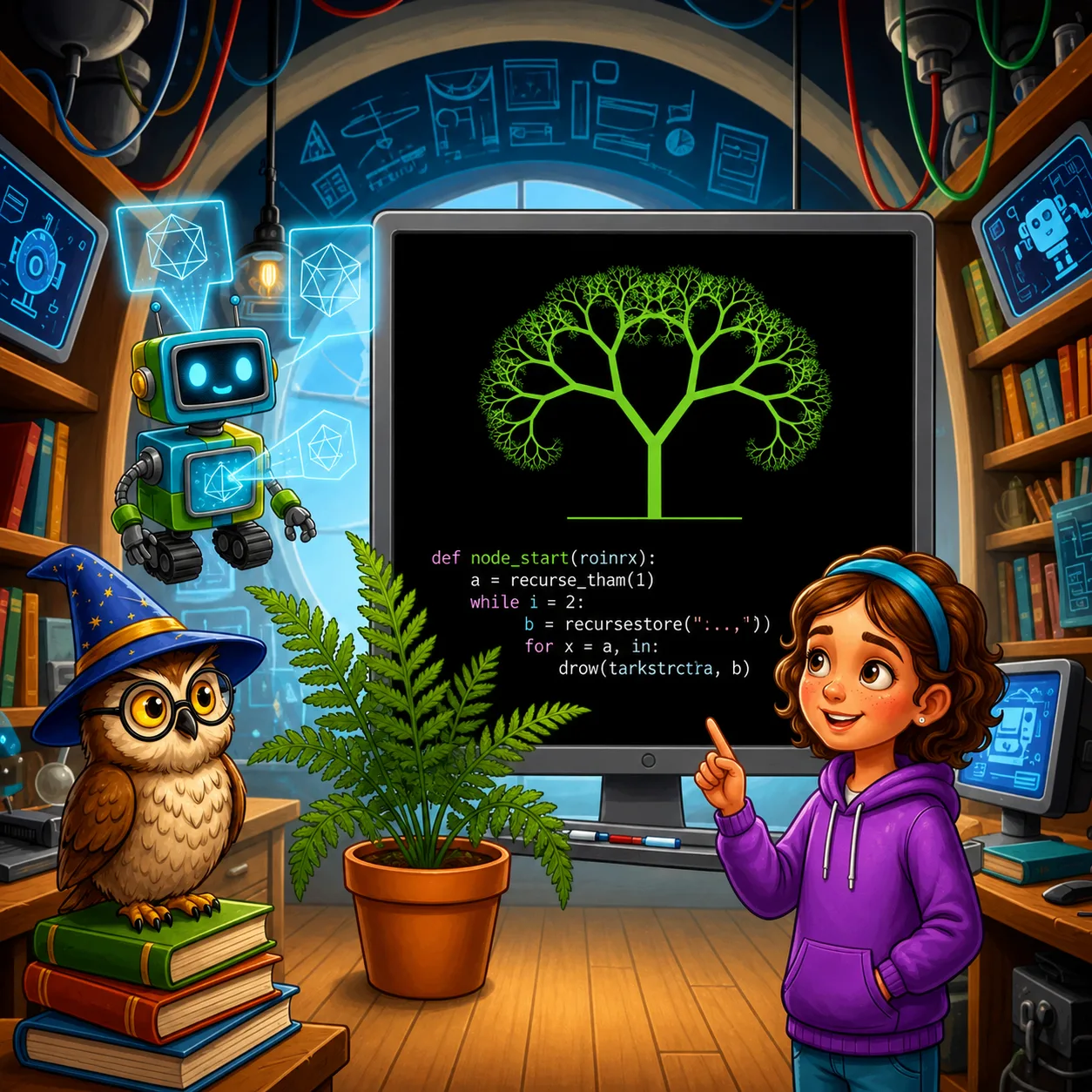
— This is amazing! — Alice exclaimed. — How does it work?
— The draw_branch function calls itself, creating smaller branches at the end of each branch, — the Professor explained. — The level parameter determines how many times this branching will occur. When level reaches zero, the recursion stops.
— Nature also has many fractals, — Logic noticed. — Trees, snowflakes, fern leaves, blood vessel systems — all have fractal structure.
— Computer graphics is a vast field, — the Professor summarized. — From simple geometric shapes to complex 3D models and animations. And all of this is created with code!
— Now I understand that programming isn't only solving problems and processing data, but also creativity, — said Alice. — It's like magic: write a few lines of code, and a beautiful drawing appears!